


Multilingual Meetings Should Create Clarity—not More Work
Everyone Needs to Understand
Language differences can leave participants behind or force teams to rely on slow manual interpretation.
Every Decision Needs to Be Captured
Important ideas, responsibilities, and next steps are often lost after the meeting ends.
Every Participant Needs the Right Access
In-person and remote participants require different tools to join the same multilingual workflow.
One Workflow for the Entire Meeting

Before the Meeting
Prepare the Conversation
Choose languages, prepare the meeting context, and make sure participants can access the right translation method.

During the Meeting
Translate and Capture in Real Time
Use TransNote for in-room recording and translation, or Access Meet for multilingual online participation and live subtitles.

After the Meeting
Turn Discussion Into Action
Review transcripts, summaries, decisions, mind maps, and follow-up items without manually rebuilding the conversation from memory.

Capture the Room With TransNote
Place TransNote at the center of the conversation to record meetings clearly, support multilingual communication, and keep important information organized.
Its multi-microphone system and offline recording capabilities make it suitable for client meetings, team discussions, interviews, and lectures.

Connect Remote Participants With Access Meet
Bring multilingual translation into online meetings, remote collaboration, webinars, and virtual events without requiring every participant to own dedicated translation hardware.
From Conversation to Clear Outcomes
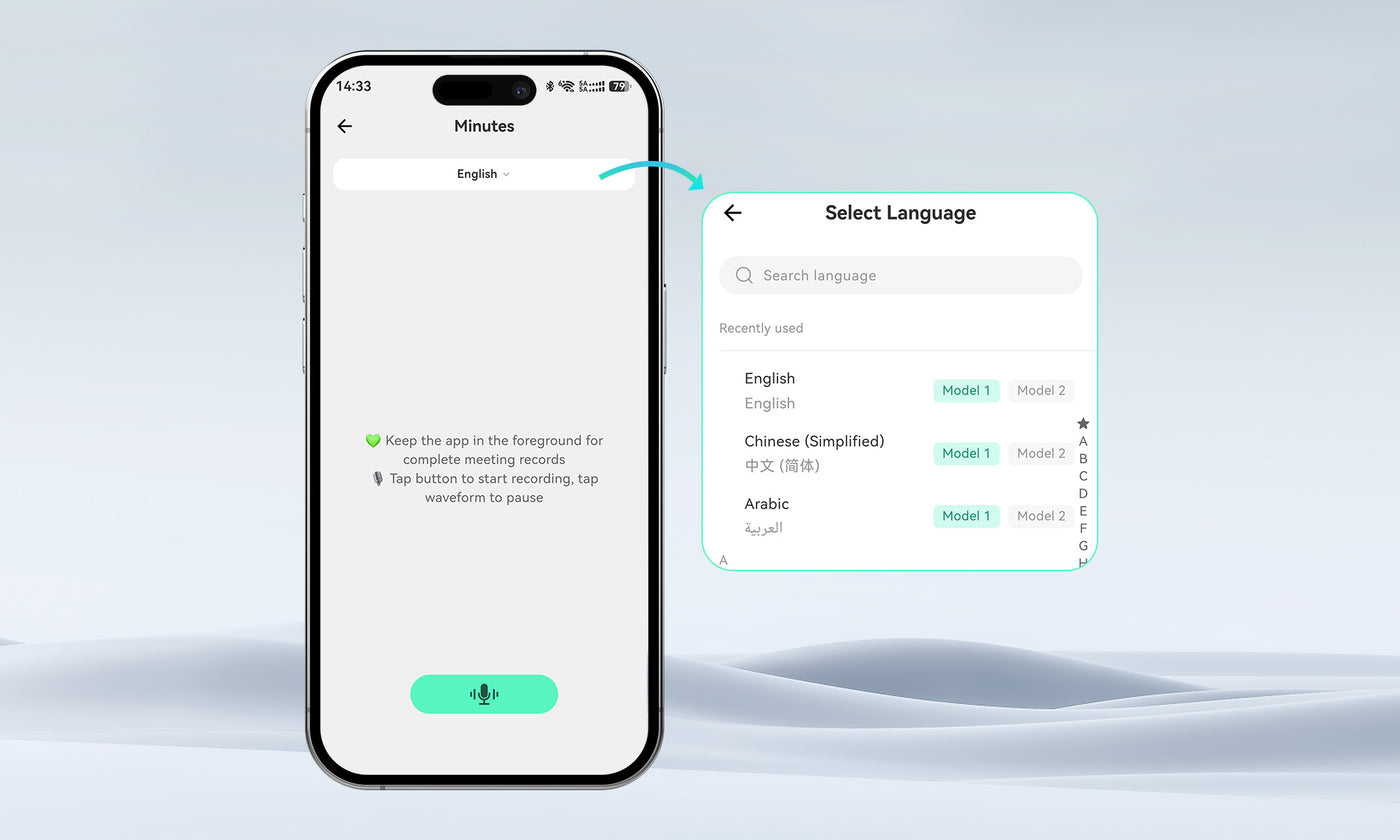
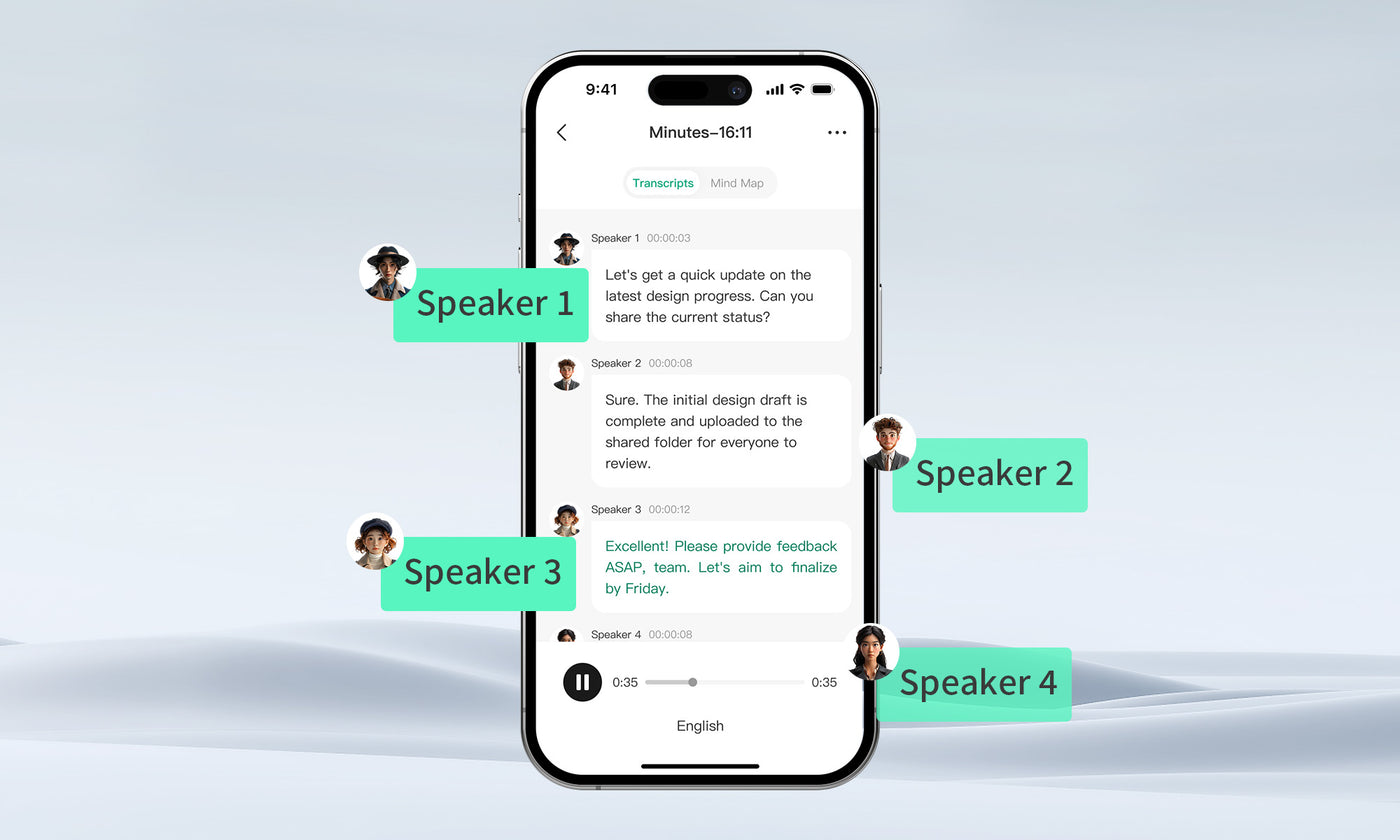
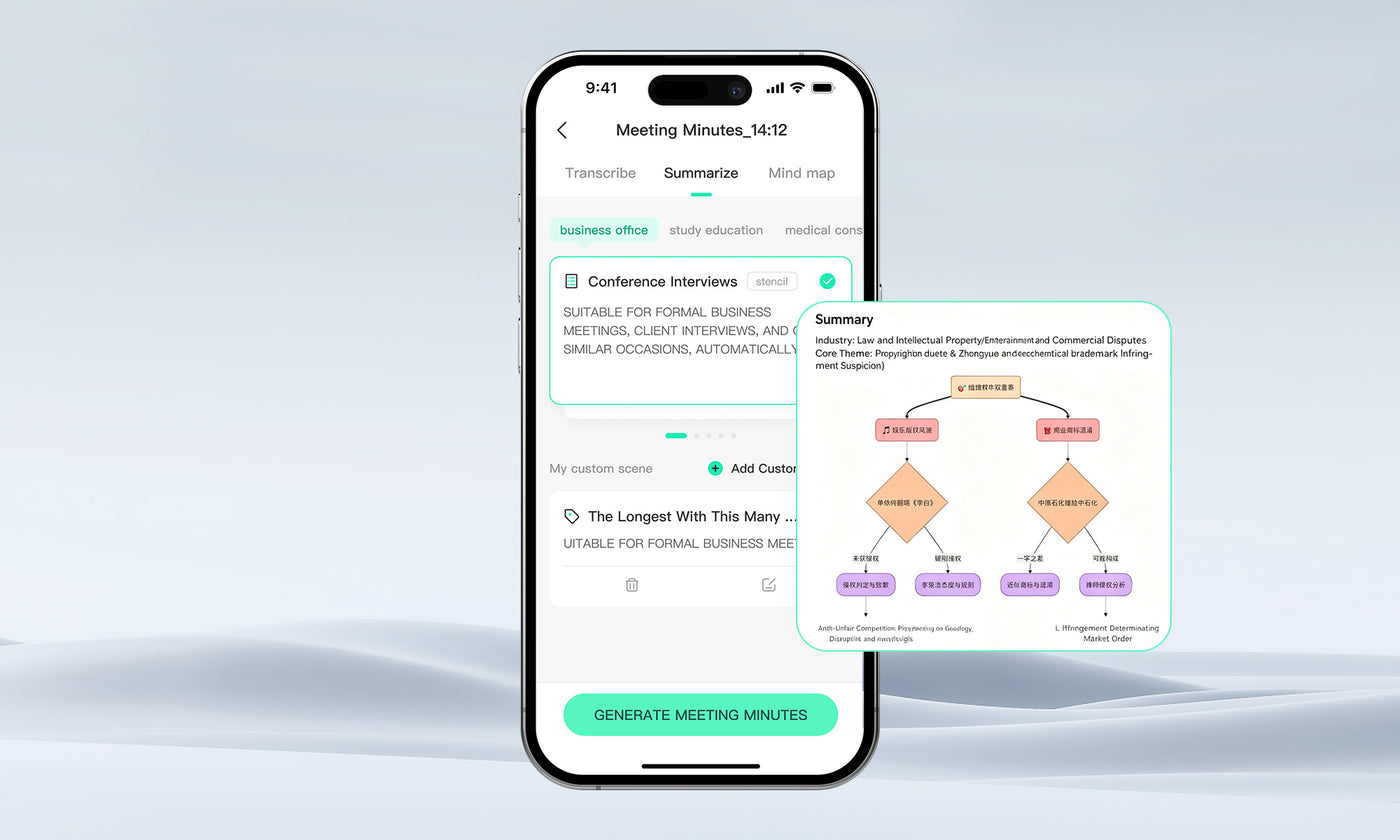
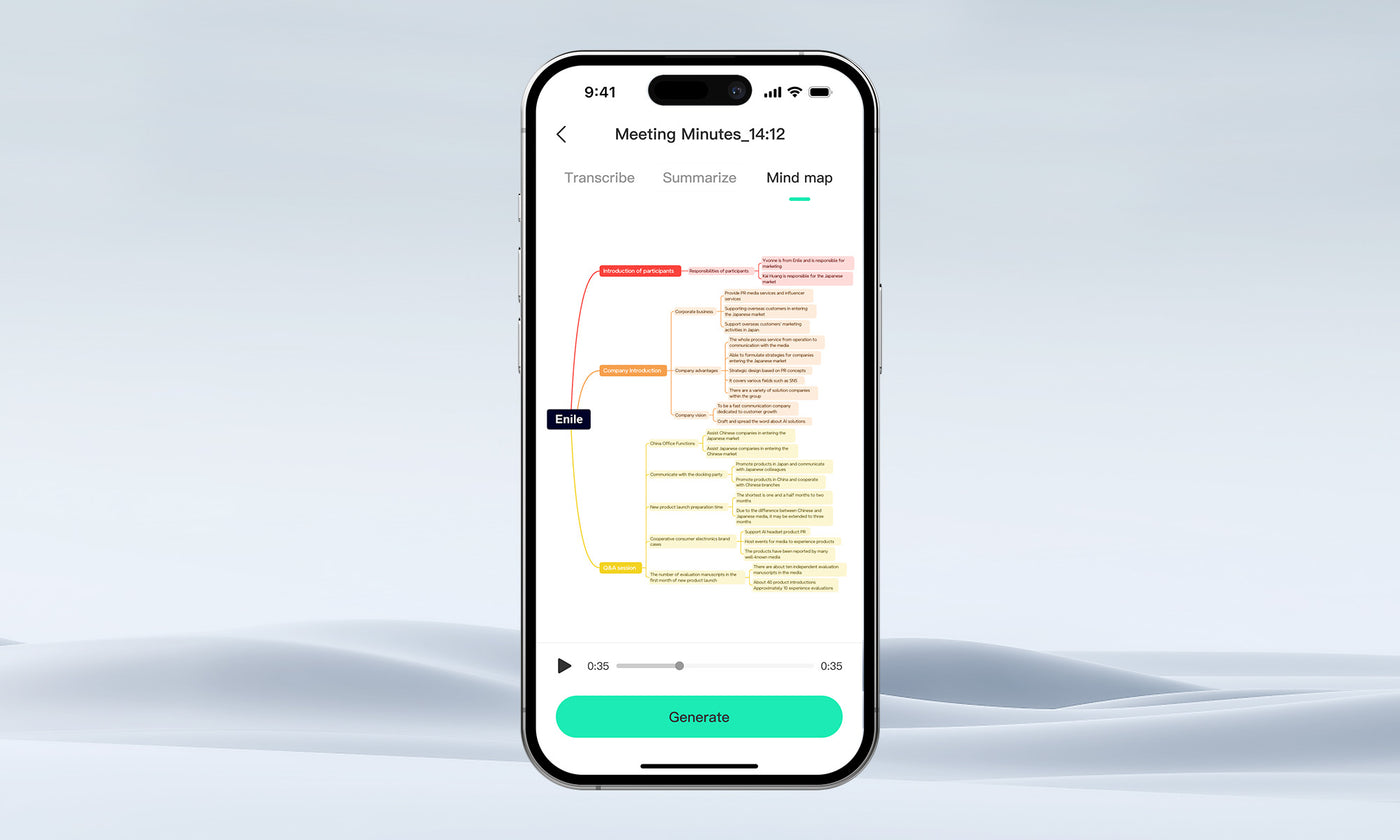
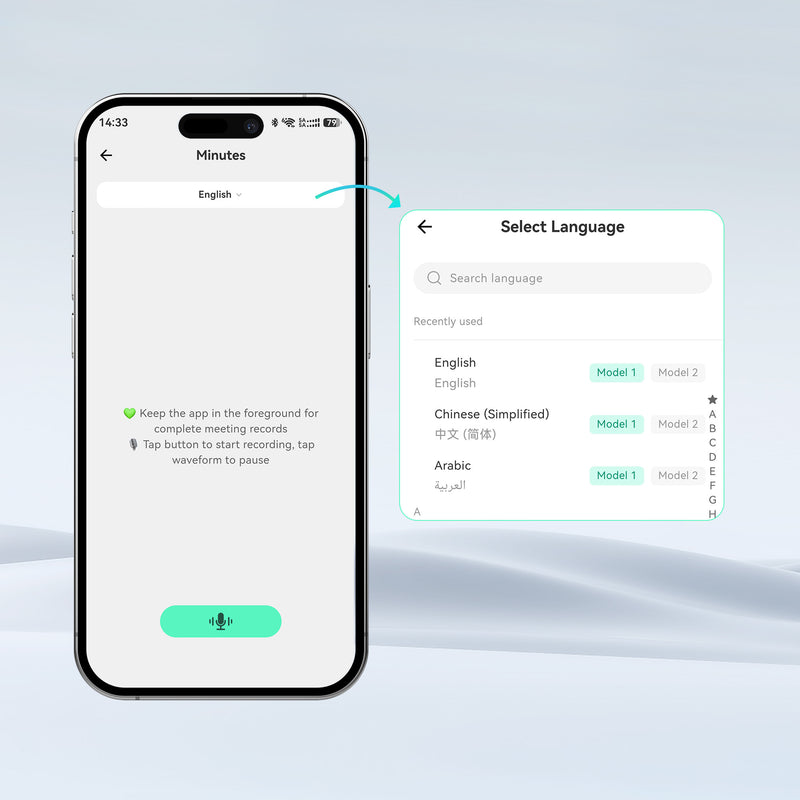
Searchable Records
Review important discussions without replaying the entire meeting.
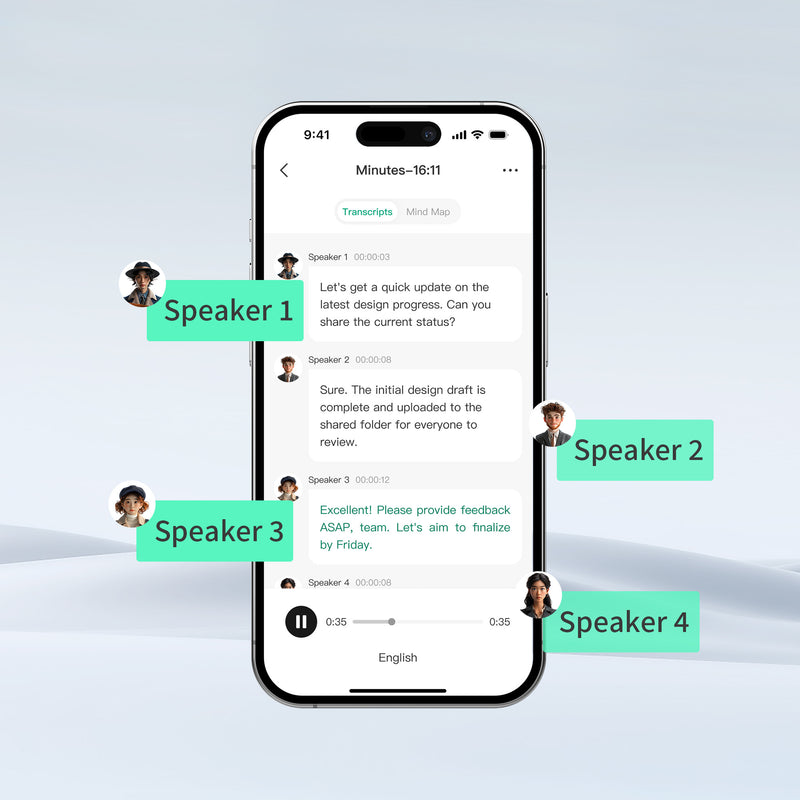
Clear Summaries
Turn long conversations into concise meeting notes.
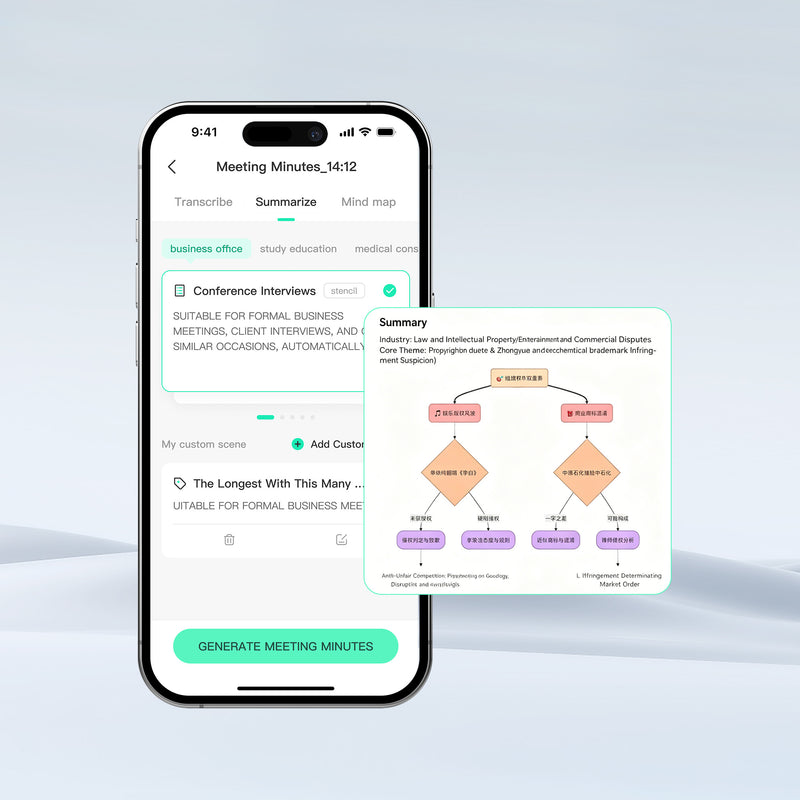
Visible Decisions
Identify key conclusions, responsibilities, and next steps.
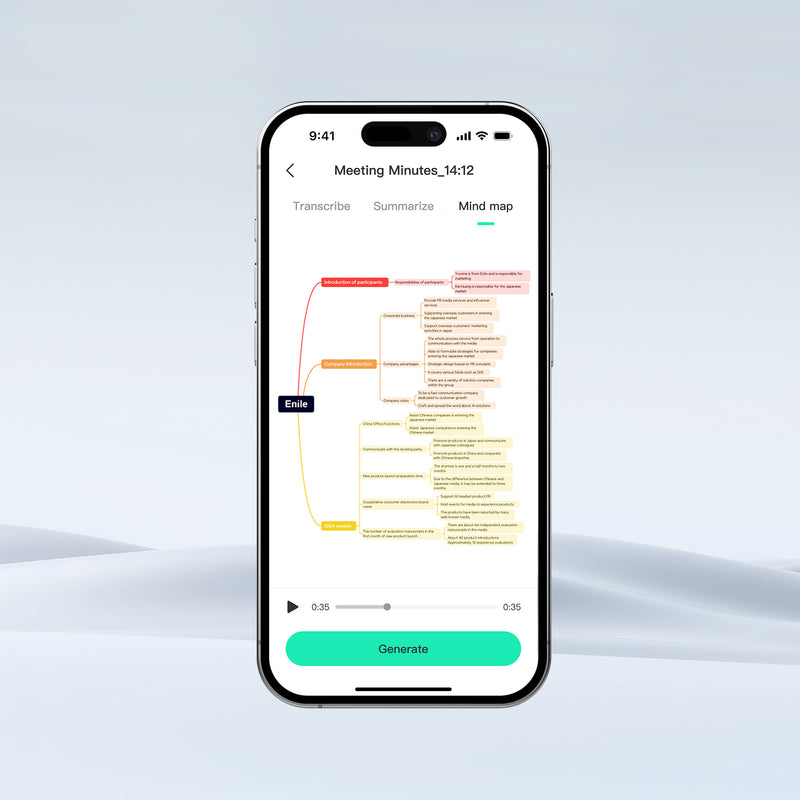
Shareable Knowledge
Help teams revisit and distribute meeting information more efficiently.
Built for Meetings That Cross Languages and Locations

Choose the Right Meeting Setup
Need both? Contact Sales

Built with Privacy and Security in Mind
Not Used to Train AI Models
InnAIO does not use your private recordings, transcripts, translations, meeting summaries, or voice samples to train general AI models without your consent.
Encrypted in Transit and at Rest
Data is encrypted during transmission using HTTPS/TLS 1.2 or higher, and data stored at rest is protected using AES-256 encryption.
Cloud + Local Processing
Recording, transcription, meeting summaries, mind maps, and voice cloning are processed through cloud services. Translation may be processed partly in the cloud and partly locally, depending on the feature and user scenario.
User-Controlled Deletion
When users delete recordings, translation history, voice cloning data, or related content, the deletion is immediately synchronized to the cloud.
FAQs
Should I choose TransNote or Access Meet?
Choose TransNote if you need a portable hardware device for in-person meetings, interviews, calls, and offline recording. It is ideal for users who want dedicated microphones, local storage, multilingual transcription, AI summaries, mind maps, and NFC contact sharing.
Choose Access Meet if you mainly need a software-based solution for online, remote, or hybrid meetings. Participants can join from their own devices without purchasing TransNote.
Both solutions support meeting transcription, AI-generated summaries, mind maps, and more than 140 languages.
Can TransNote work without a network for recording?
Yes. TransNote supports offline recording, allowing you to capture meetings, interviews, lectures, and conversations without an internet connection.
A network connection is required afterward to use cloud-based features such as transcription, translation, AI summaries, and mind map generation.
Can remote participants join without owning a device?
Yes. With Access Meet, remote participants can join through a shared meeting link using their own compatible devices. They do not need to own a TransNote or purchase additional hardware.
Can meetings be summarized after recording?
Yes. Both TransNote and Access Meet can process meeting recordings and generate speaker-labeled transcripts, AI summaries, key points, action items, and mind maps after the meeting.
How is meeting data protected?
Meeting data is encrypted during transmission using HTTPS/TLS 1.2 or higher, while stored data is protected with AES-256 encryption. Recordings, transcripts, translations, summaries, and other private content are not used to train general AI models without the user’s consent.
Users can also delete recordings and related data through the supported InnAIO service or application.
Is Access Meet charged separately?
Yes. Access Meet is a separate paid service and is not included with the purchase of TransNote. Its plans and pricing are billed independently based on the selected service package or usage requirements.