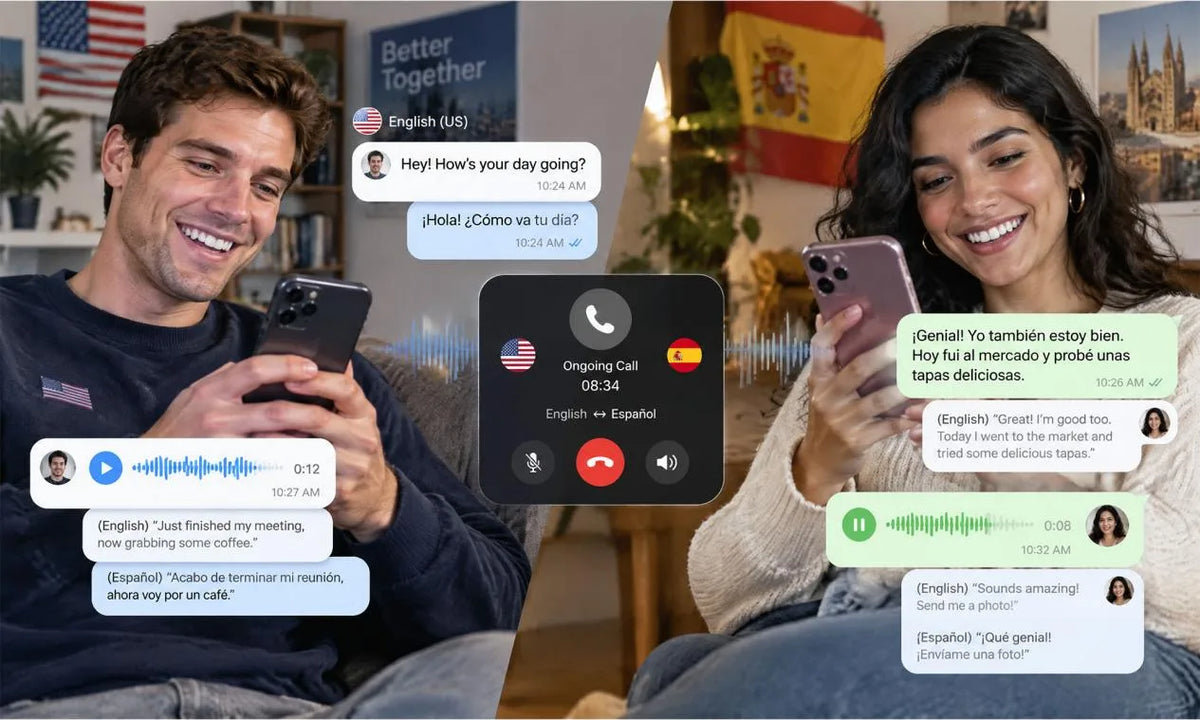
A WhatsApp translator can help you read messages, review voice notes, and prepare replies across languages. Your best setup depends on your phone, available language downloads, the type of content you receive, and your privacy needs. Keep the original message available during review so you can compare names, numbers, and context before you send a response.
What Translation Options Are Available for WhatsApp?
Use WhatsApp’s built-in option for written messages when it appears on your device, then use a separate workflow for voice notes and calls.
| Content Type | First Option | What to Check |
|---|---|---|
| Written message | WhatsApp message translation | Supported device and downloaded language |
| Voice note | Transcript plus translation | Audio access, storage, and language support |
| Voice or video call | Compatible call translator | Subtitles, audio output, and turn timing |
Choose the option that matches the content in front of you. Written chat and spoken conversation need different review steps.
Can You Translate Text Messages Directly in WhatsApp?
Yes. When WhatsApp translation appears on your device, use the following steps for a single message:
- Press and hold the message.
- Choose Translate.
- Select the source and target languages.
- Download a language when WhatsApp asks for it.
The feature can work in individual and group chats, subject to device availability. Android users can also choose automatic translation for a complete chat thread through WhatsApp message translation.
Keep each reply short and focused on one request or answer. Read the translation once for tone and key details before sending it.

Keep Original Messages Visible While You Translate
Keep the original message visible so you can compare it with the translated version before you act. That comparison is especially helpful for dates, addresses, payment details, names, and short messages where one word changes the whole meaning.
Use a simple review sequence:
- Read the translation for the overall meaning.
- Return to the original for names, numbers, and links.
- Ask a follow-up question when the message has two possible meanings.
- Draft a short reply, then translate and check it before sending.
The original text keeps the full context in view. A quick comparison can head off a simple misunderstanding.
What Can You Do When a WhatsApp Voice Note Uses Another Language?
Use a transcript first, then translate the text and compare it with the audio. That gives you a clear place to check unfamiliar names, local phrases, and important details before you reply.
| Step | Action | Reason |
|---|---|---|
| 1 | Save the original voice note | You can replay it if a phrase looks unclear |
| 2 | Create or obtain a transcript | Text is easier to review than a long audio clip |
| 3 | Translate short sections | Short segments are easier to compare |
| 4 | Ask for a typed confirmation | You can confirm a high-stakes request or local phrase |
Review a tool’s permissions, storage practices, and supported languages before use. Keep the original voice note until the conversation is settled.

Review Names, Numbers, and Slang Before You Reply
Review names, numbers, and slang before you reply because context can change a translation’s meaning. Use the original message as your reference for details that carry a practical consequence.
| Detail | Check | Best Next Step |
|---|---|---|
| Name or place | Spelling and local form | Ask for the written spelling |
| Date, time, or amount | Digits and units | Repeat the detail for confirmation |
| Slang or abbreviation | Local meaning and tone | Ask what the phrase means in context |
| Agreement or health detail | Exact wording | Request a clear restatement |
A concise clarifying question can prevent a mistaken reply. Keep the original message available until the detail is settled.
What Setup Works Best for Multilingual WhatsApp Calls?
A phone call translator setup works best with stable audio, a quiet space, and clear turn-taking. Use a short test call before a client call or family event.
- Set one language for each speaker.
- Check subtitles or translated audio on the output device.
- Confirm app permissions and language-pair support.
- Use headphones and speak one idea at a time.
- Repeat a date, price, or next step, then ask for confirmation.
A tool that fits a text chat may have different limits during voice or video calls. A brief trial can reveal audio delays and permission prompts while the stakes stay low.

Protect Private Conversations When Using Translation Tools
Protect private conversations through careful permissions and a clear view of where content goes. Use the least access needed for each translation task.
| Content | Safer Choice |
|---|---|
| Names, account numbers, or documents | Keep them out of third-party tools unless you understand data handling |
| Voice notes and screenshots | Check storage and sharing permissions first |
| In-app WhatsApp messages | Review current device support and language availability |
In-app WhatsApp message translations happen on your device, where WhatsApp cannot see the translation. Check how WhatsApp message translation works before you rely on the feature.
Read a tool’s privacy information before you upload sensitive material. Remove access you no longer need after the conversation ends.
Keep WhatsApp Conversations Moving Across Languages
Keep WhatsApp conversations moving across languages with a translator that fits the message, voice note, or call you need to handle. Read the translation, compare the original, clarify uncertain details, and use a tested call workflow when spoken conversation matters.
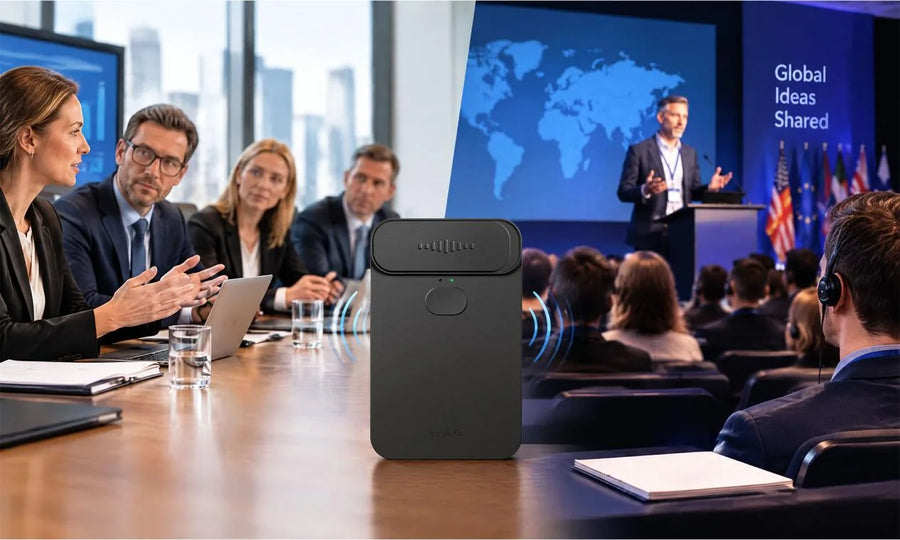
Our InnAIO T10 translator offers cross-app translation support for messages and calls. Try a brief chat first, then adjust your language and privacy settings before a high-stakes multilingual conversation.
FAQs about Translate WhatsApp Messages
Q1: Can WhatsApp Recipients See That You Translated a Message?
WhatsApp’s published translation instructions contain no recipient notice for the translation action. Your recipient may still spot a translated reply from its wording or tone. Review your response before sending, especially during a formal conversation.
Q2: Does WhatsApp Translation Work Without an Internet Connection?
No. WhatsApp message translation needs a strong Wi-Fi signal or cellular data. Downloaded languages stay saved for future translations, yet you should check the latest in-app settings and test your phone before travel.
Q3: Which Languages Are Available for WhatsApp Message Translation?
Language availability depends on your device and rollout status. WhatsApp announced six Android launch languages: English, Spanish, Hindi, Portuguese, Russian, and Arabic, while iPhone support began with more than 19 languages. Check the translation menu for your current available languages before a conversation.
Q4: Can You Translate Messages in a WhatsApp Group Chat?
Yes. WhatsApp message translation can work in individual and group chats when the feature appears on your device. Translate one message first, then consider Android automatic translation for a chat thread if the setting appears. Review context carefully when several people reply at once.
Q5: Is WhatsApp Translation Available on Every Phone and Operating System?
No. WhatsApp translation is available on certain devices and may reach users gradually. Keep the app updated and check the relevant chat menu on your own phone. WhatsApp Business App support differs, so check official feature details before you depend on translation for work.